Analog Soul.
Digital Heart.
The ultimate media player for music lovers. Bridge the gap between your vinyl collection and the digital world.
Built for the Way You Listen
A touch-driven interface that feels like an instrument — wrapped around the modern audio tools you'd expect on your phone.
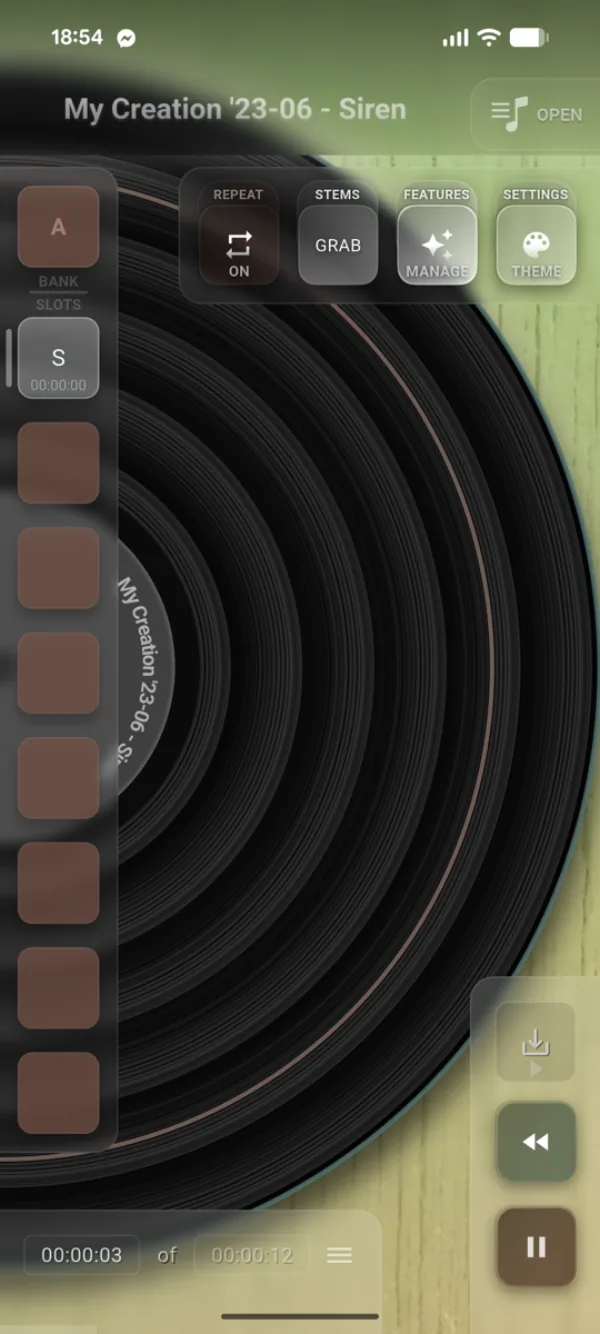
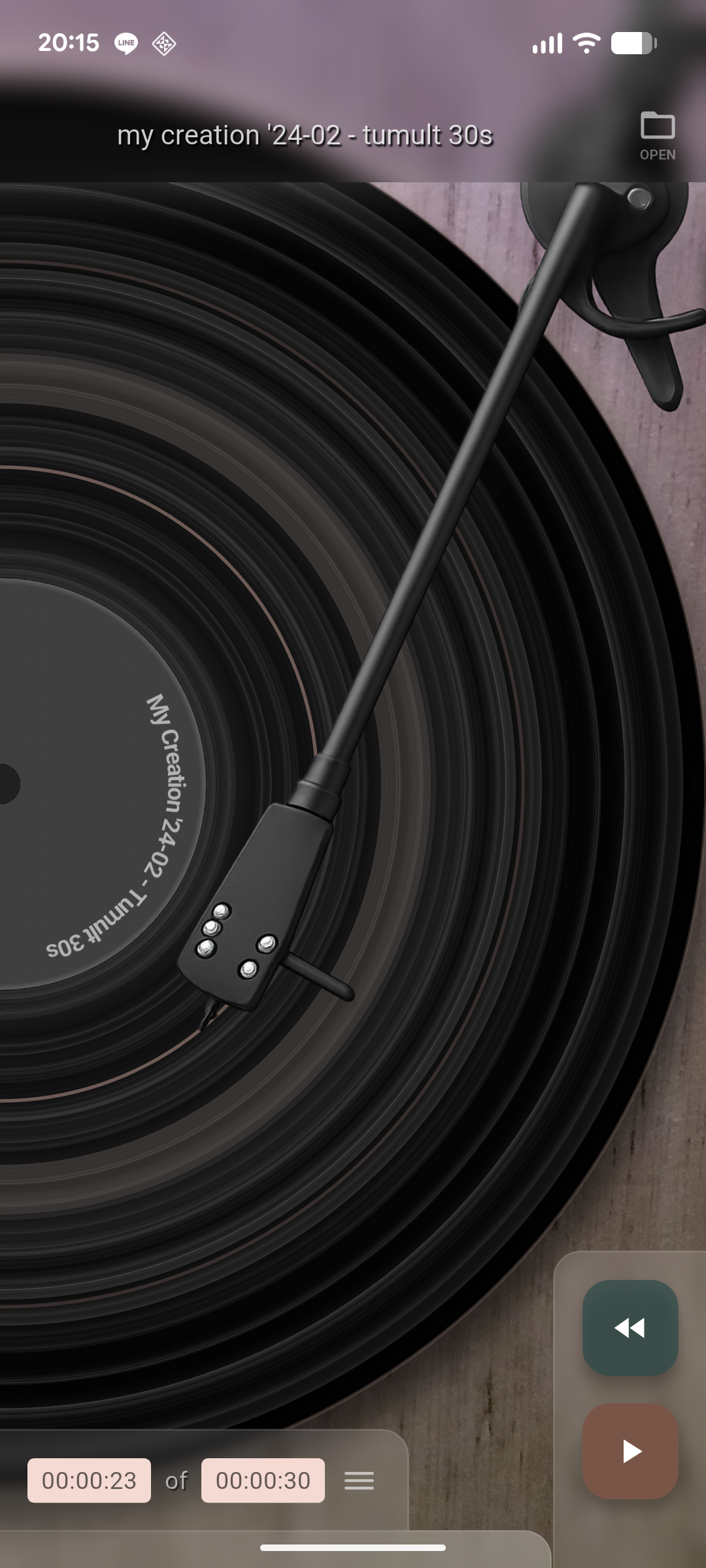
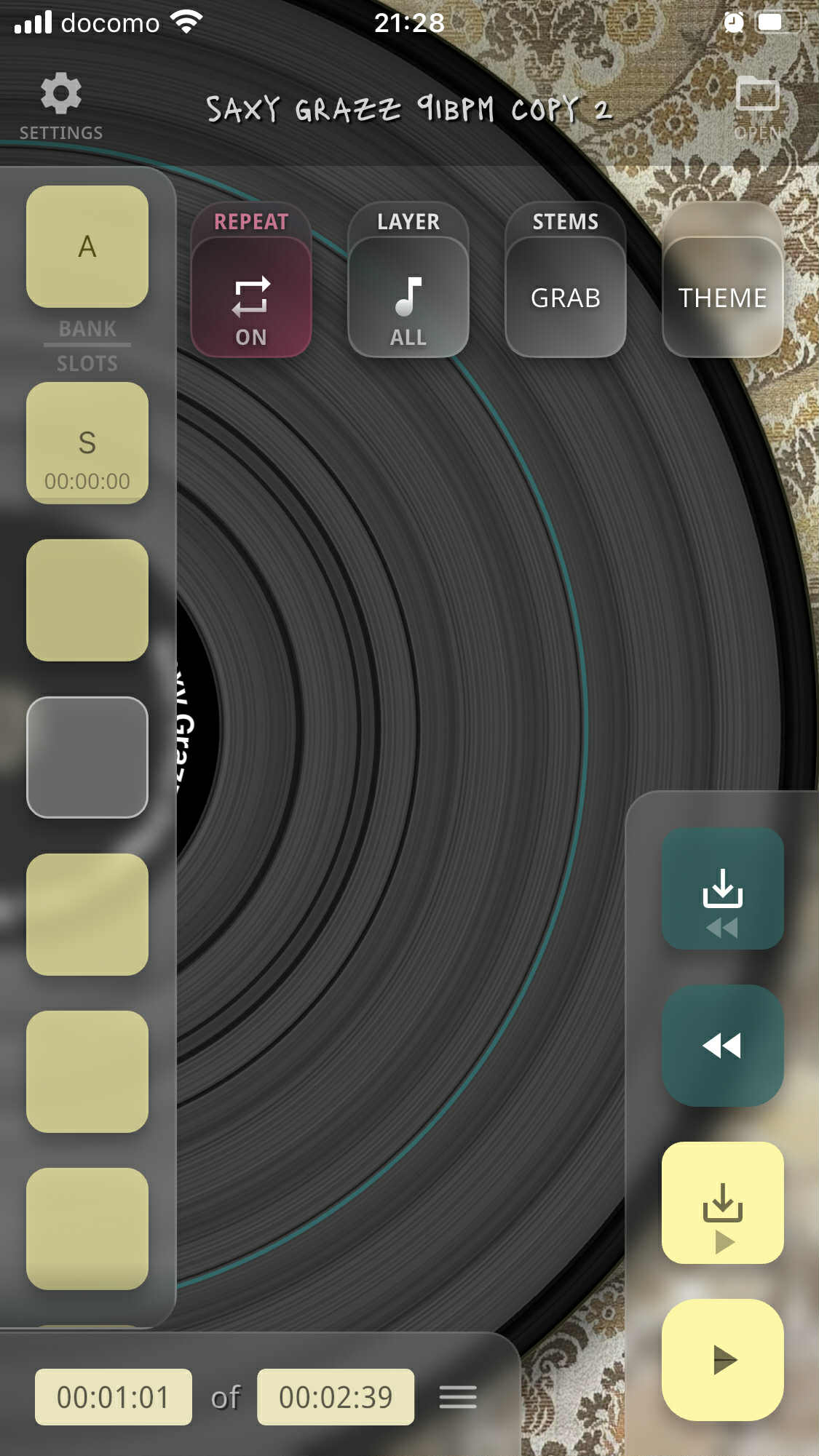
Intuitive Player
Touch-operated vinyl interface designed for seamless exploration.
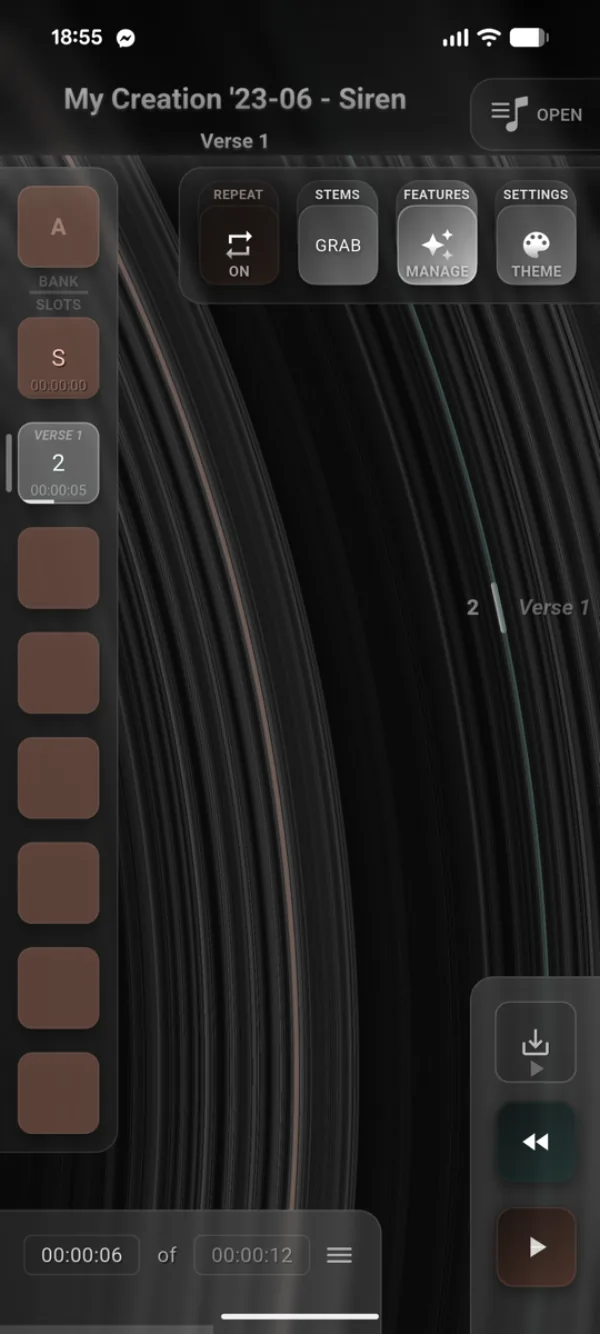
Visual Grooves
Zoom in to see the music. Slide the needle to jump through tracks.
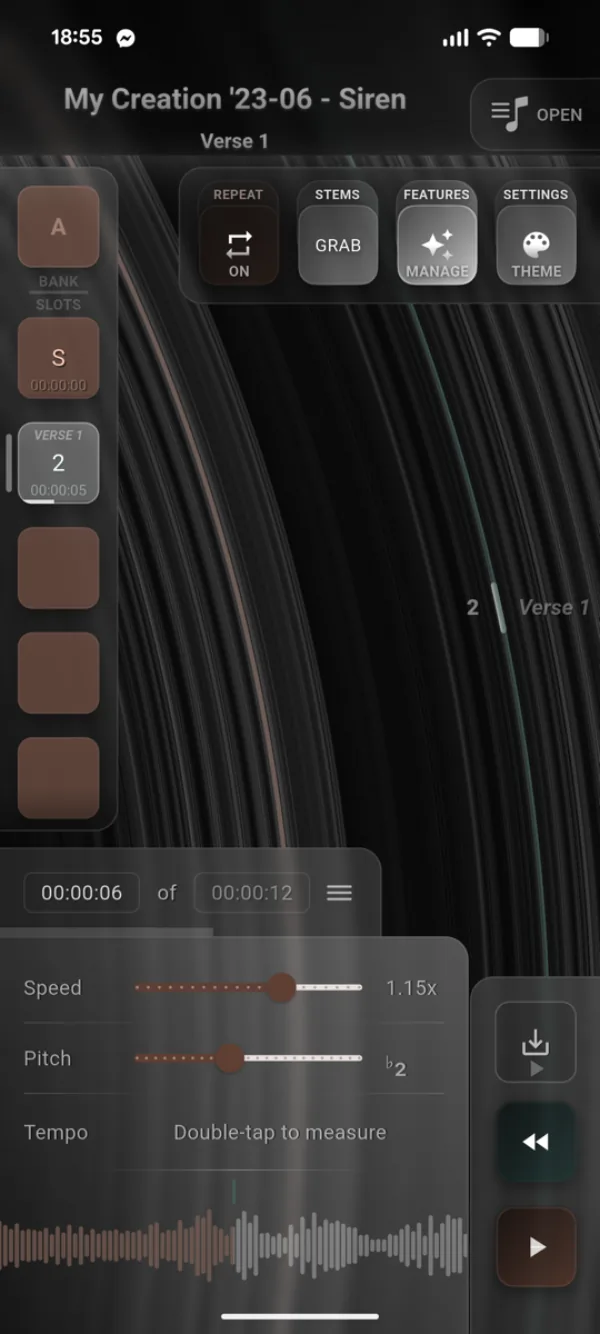
Speed, Pitch & Tap Tempo
Adjust tempo and key independently — or tap out a BPM and sync playback to your beat.
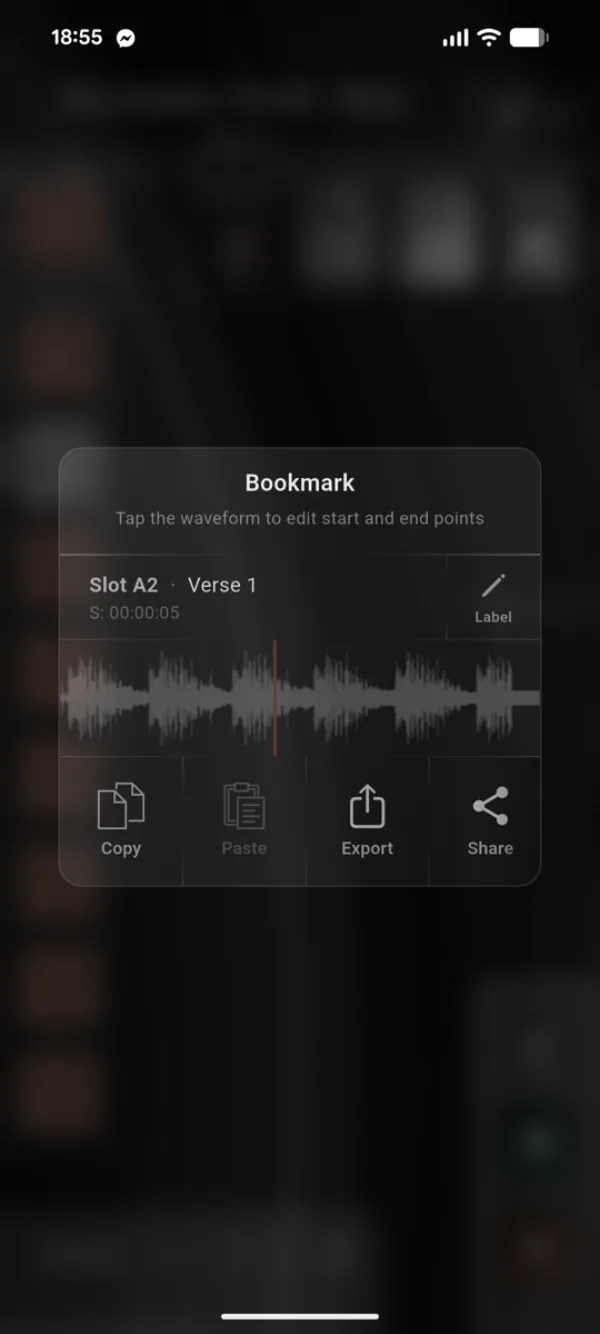
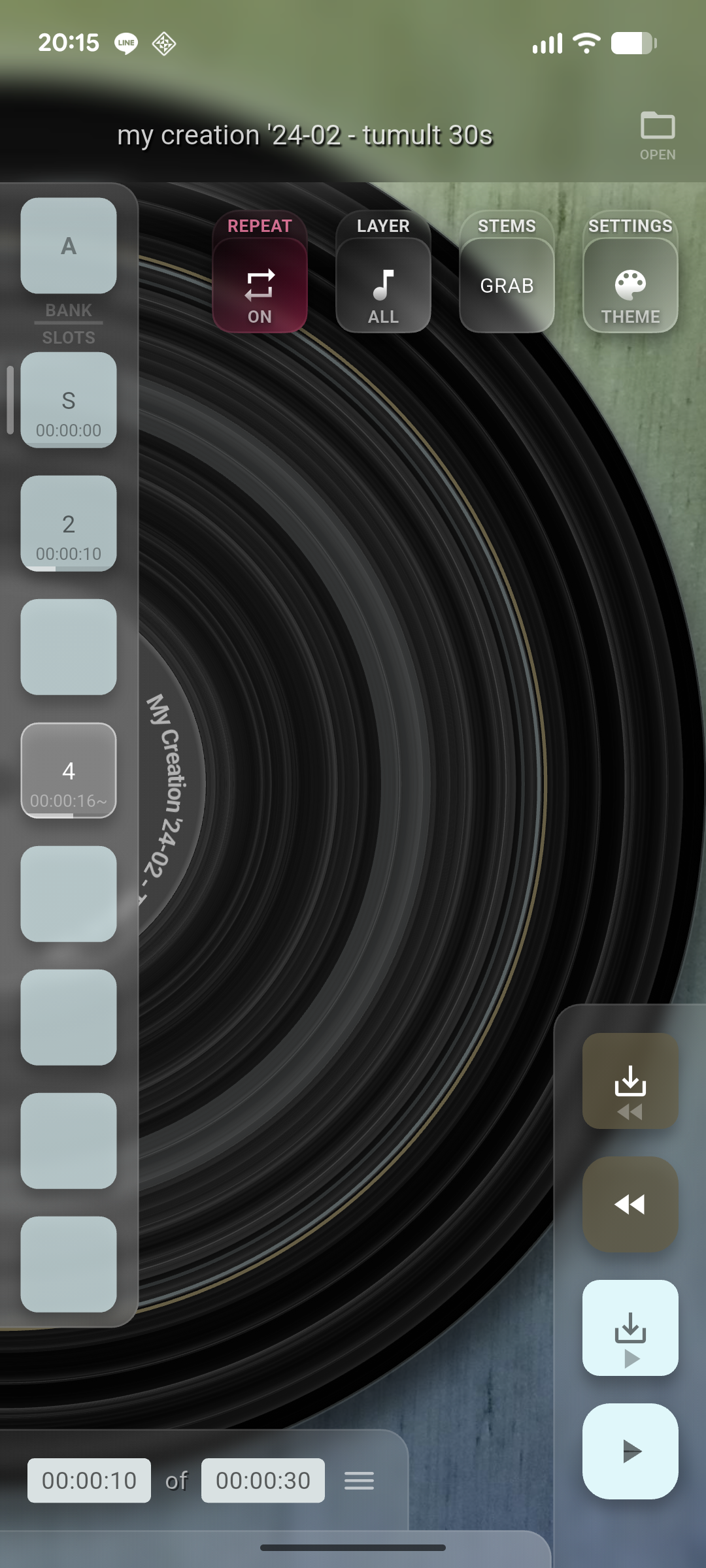
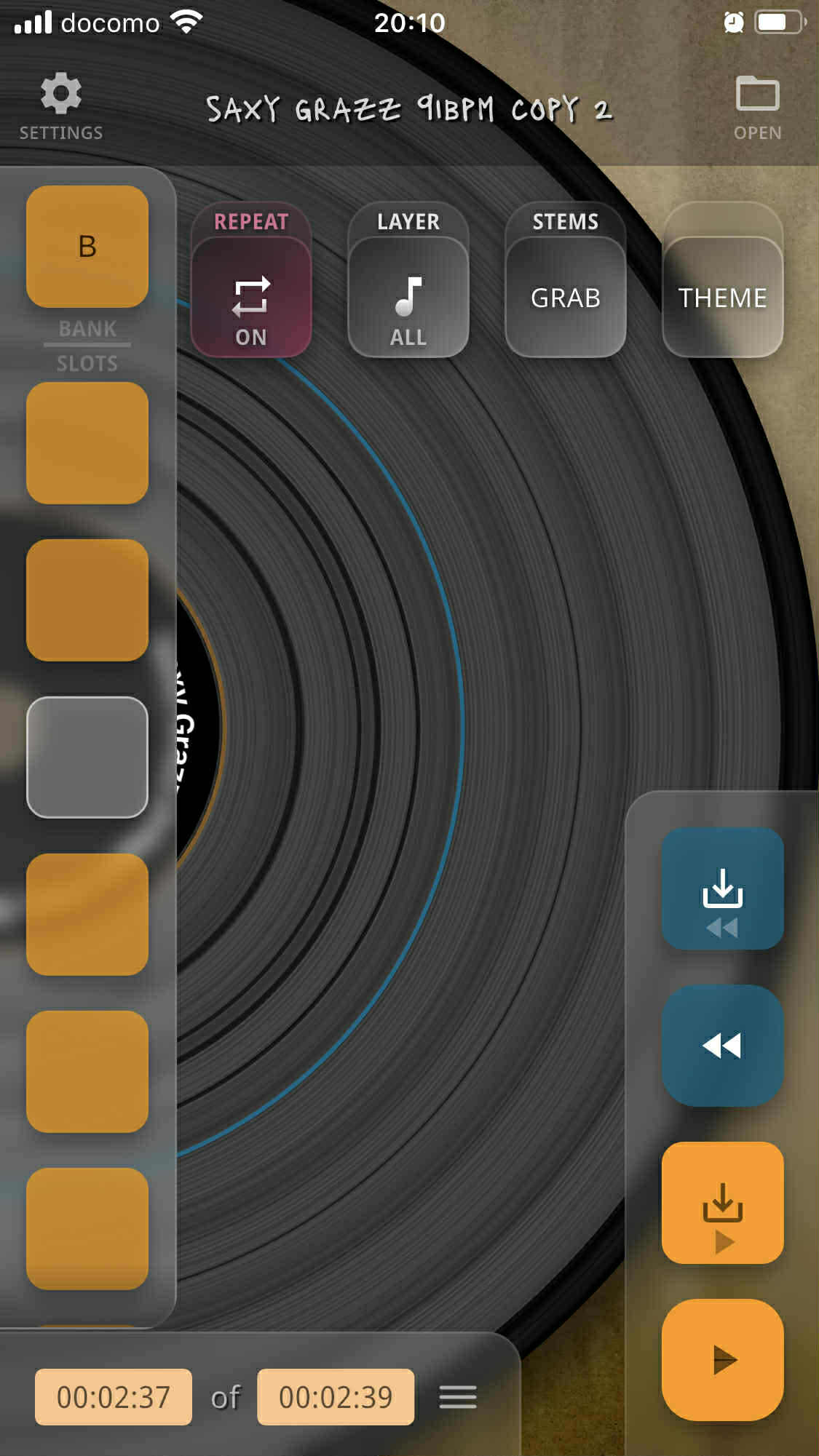
Bookmark Slots
Pin any moment in audio or video and snap back to it instantly — perfect for practice and live cues.
Snap to Hits & Beats
New bookmarks can snap to the nearest hit, or to the beat once you tap the tempo — musical moments, not arbitrary milliseconds.
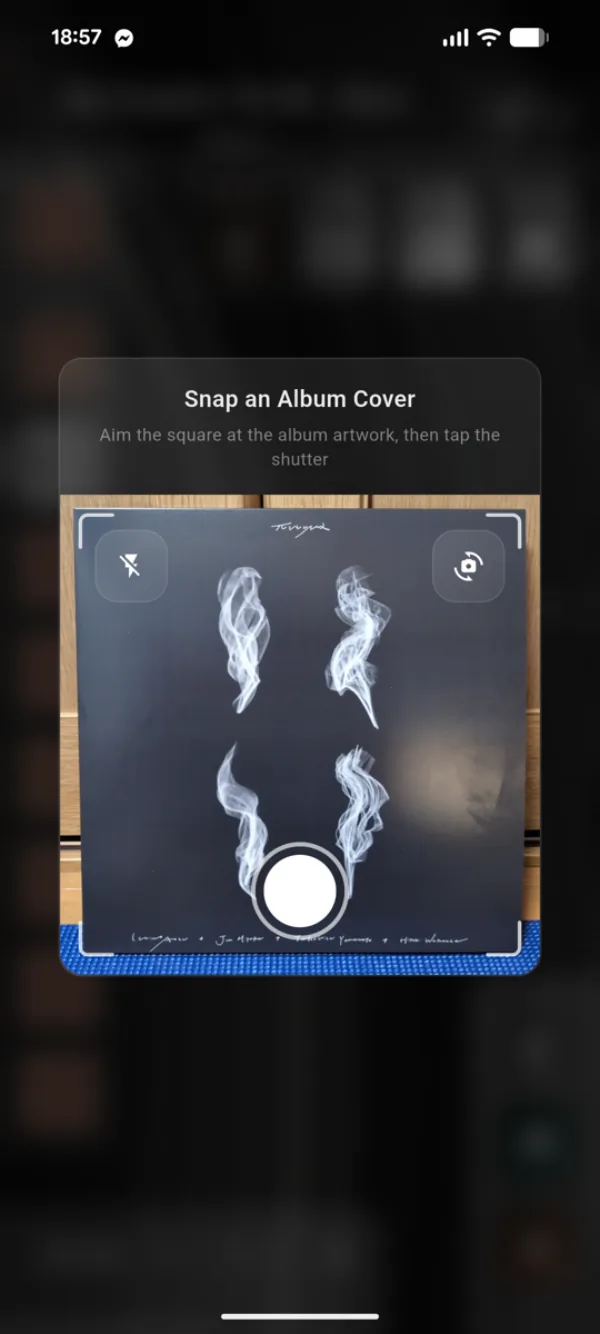
Scan & Preview
Point your camera at a record cover or barcode — SnagTrax recognizes the album instantly and serves up 30-second clips of every track. Audition the whole crate before you commit.
- Recognize albums from cover art or barcodes
- 30-second previews of every track
- History keeps every scanned album one tap away
Press Your Own Vinyl
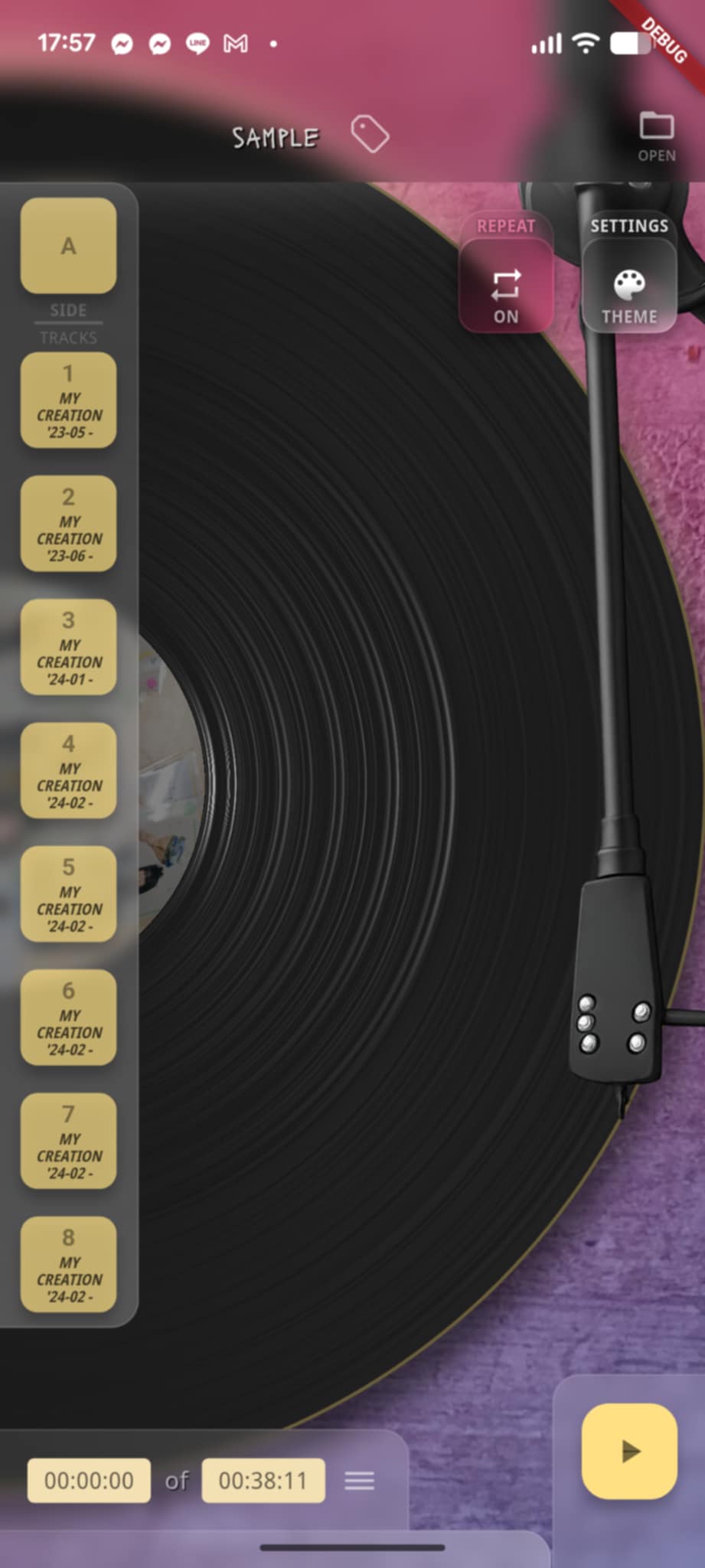
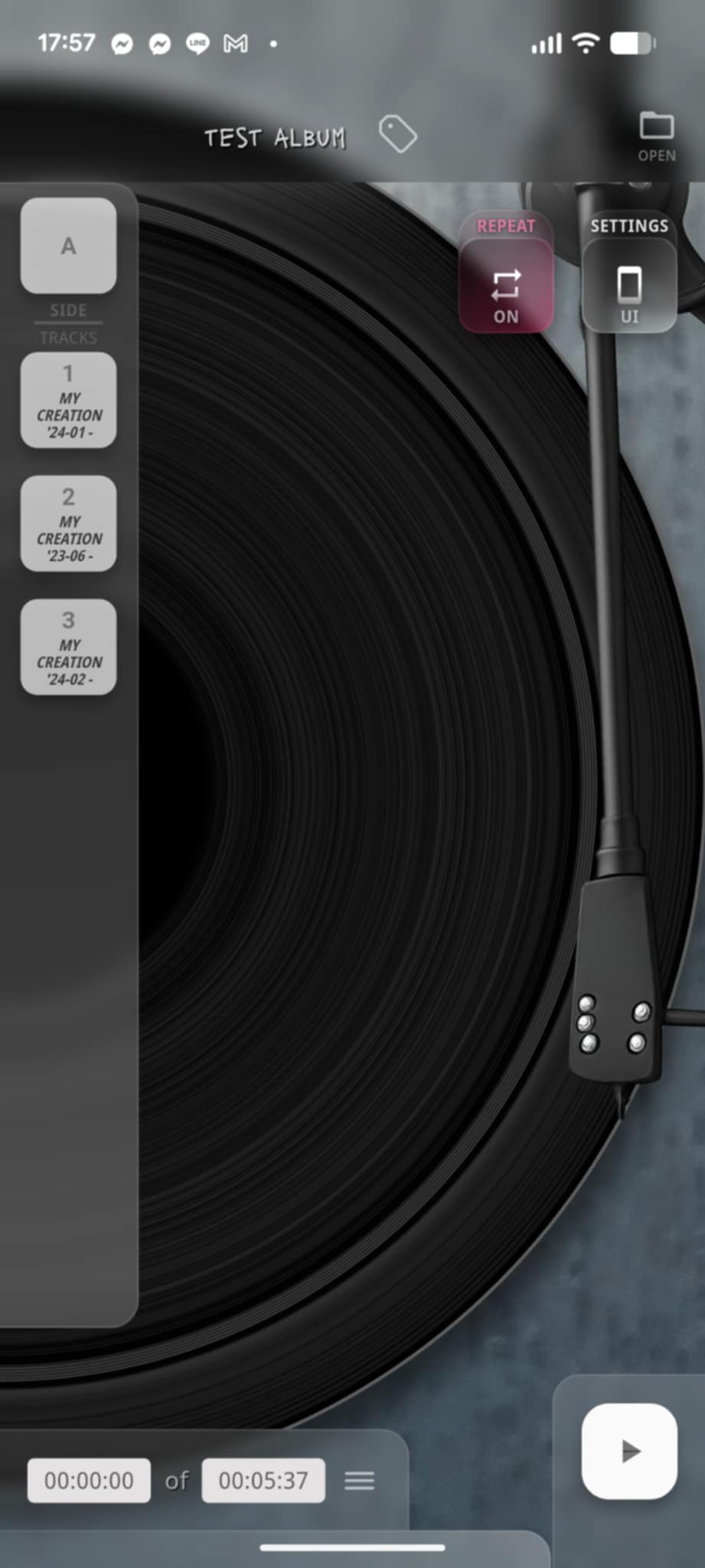
Drop a folder of tracks onto SnagTrax and it presses them into a digital vinyl — cover, label, A/B sides, and all. Every album you press lives in your Album Crate, ready to pull off the shelf whenever you want to drop the needle.
- Vinylize any audio collection in seconds
- Pick your own cover, or use one from your tracks
- Sides, track lists, and label art per album
- Browse the full Album Crate of records you've pressed
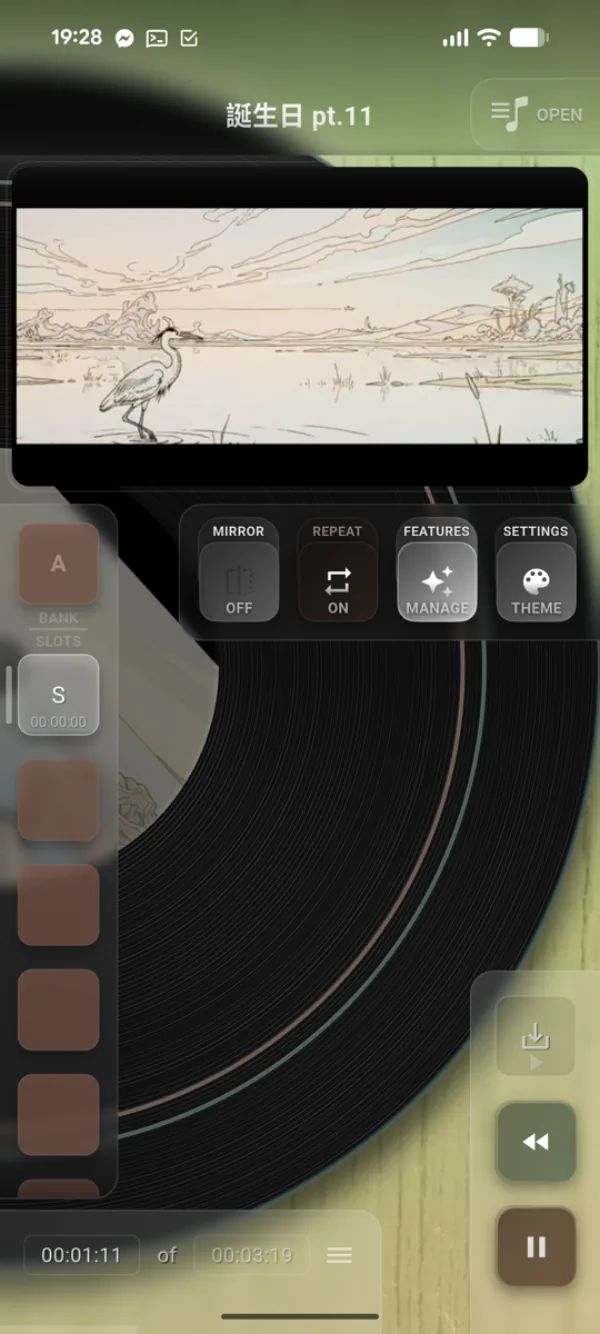
Stream, Watch, Play
Share a YouTube link to SnagTrax from your browser or any other app, or open a local video file — SnagTrax wraps either in the same premium playback controls.
- Share YouTube links to SnagTrax from any app — it opens the video
- Local video files play with the same controls
- Double-tap for full-screen — pinch to zoom, drag to pan
- Mirror mode flips the video for dance and instructional use
Professional Stem Separation
Pull a song apart with AI-powered precision. Strip out the vocals, get the classic four-stem split, or break the drum kit down into kick, snare, toms, and cymbals. Works on audio and video sources.
Choose Your Split
Pick a mode: 2-stem (Vocals / Backing), 4-stem (Vocals / Drums / Bass / Other), a 4-way drum split (Kick / Snare / Toms / Cymbals), or a two-step run that gives you the 4-stem split and the drum breakdown in one go.
Cloud Process
The track uploads to the SnagTrax service and comes back as separate stems — watch progress live.
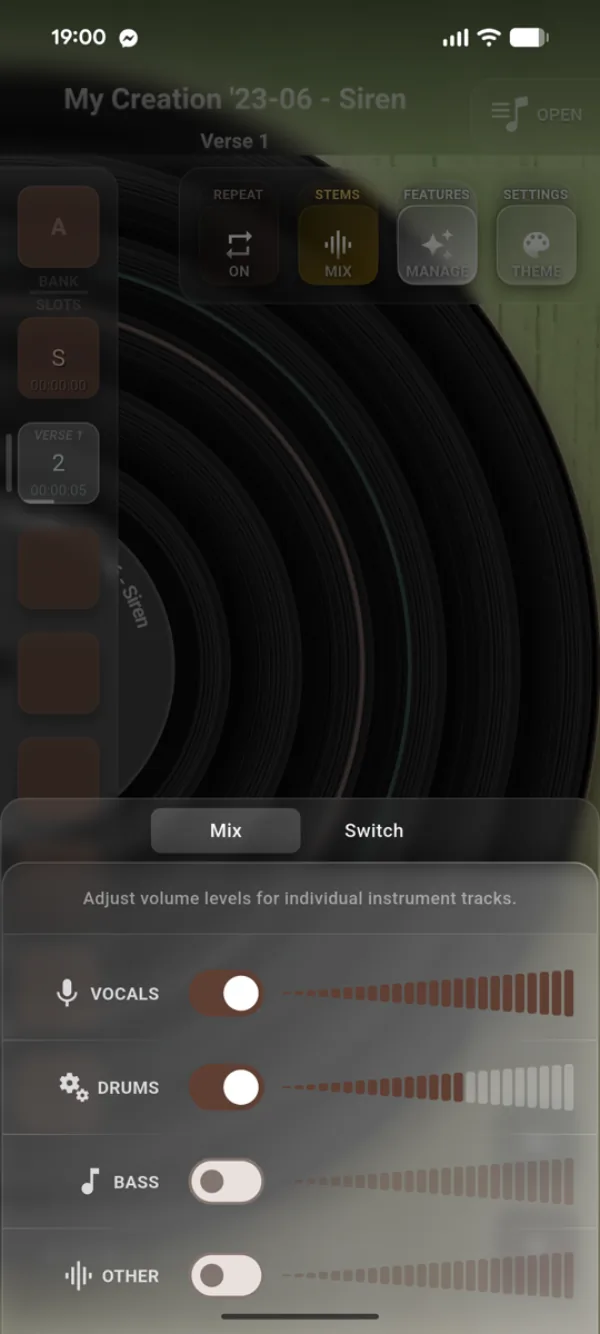
Mix in Real Time
Toggle any stem on or off — solo a vocal, mute the drums — and fade levels with per-stem volume sliders.
Loop, Repeat, Rewind
Practice tools that put a passage on a leash. Set a loop region right on the waveform, cycle repeat modes for the whole track or a single section, and drop a rewind point you can snap back to with one tap.
- Loop region editor right on the waveform
- Cycle repeat modes for the full track or a single section
- One-tap rewind to your last set rewind point
Export, Your Way
Pull bookmarked clips out as AAC or WAV, download whole stems as MP3, WAV, or FLAC, or send a full bank straight to your hardware as a Deluge kit or an Akai MPC drum program.
- Bookmark clips: AAC (192 / 256 / 320 kbps) or WAV (16- / 24-bit)
- Whole stems: MP3, WAV (16- / 24- / 32-bit float), or FLAC
- Export a bank as a Synthstrom Deluge kit or an Akai MPC drum program
- Trim clips to a fixed length or use each bookmark's own end point
- Share anywhere on iOS · pick a folder on Android
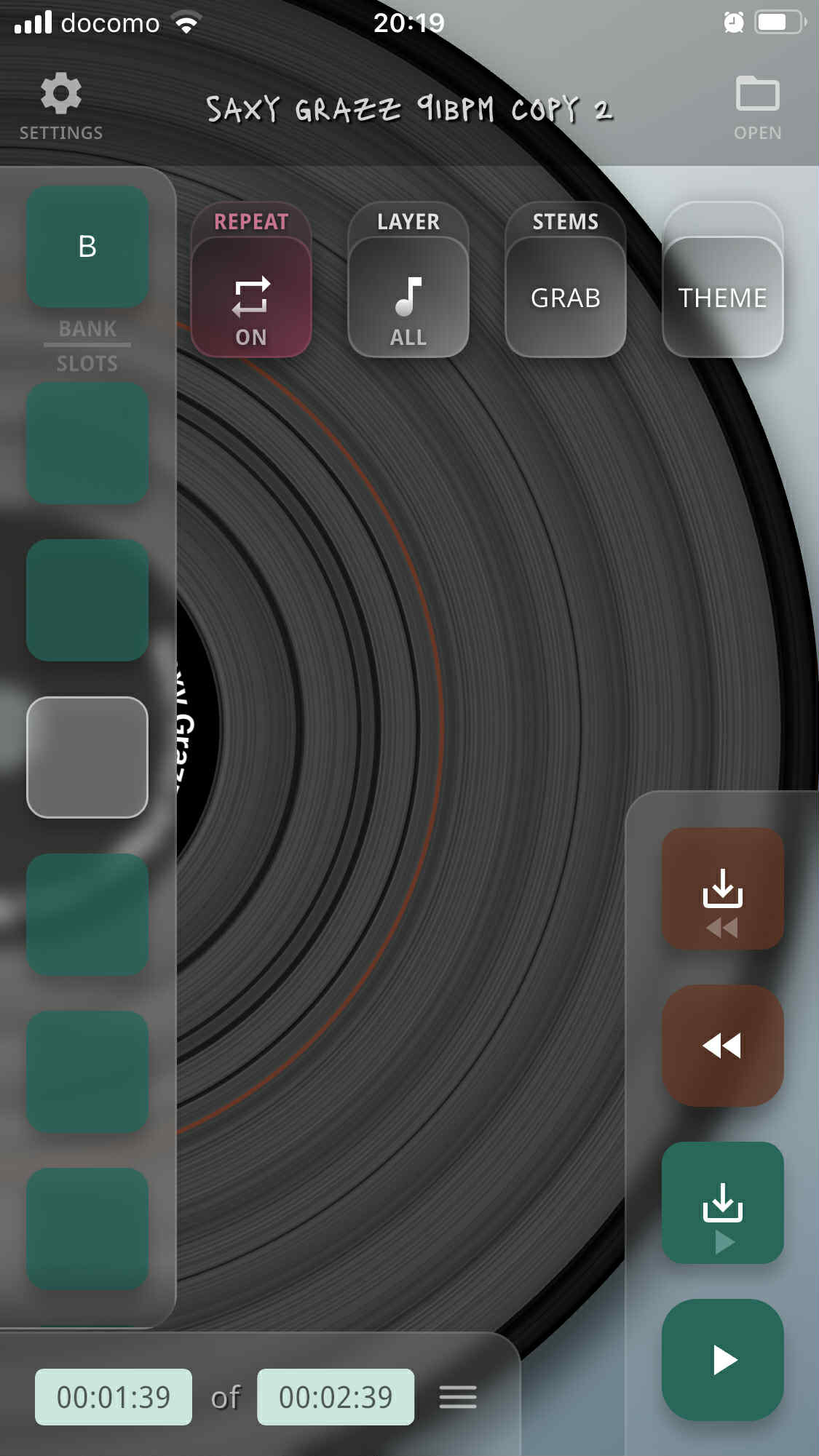
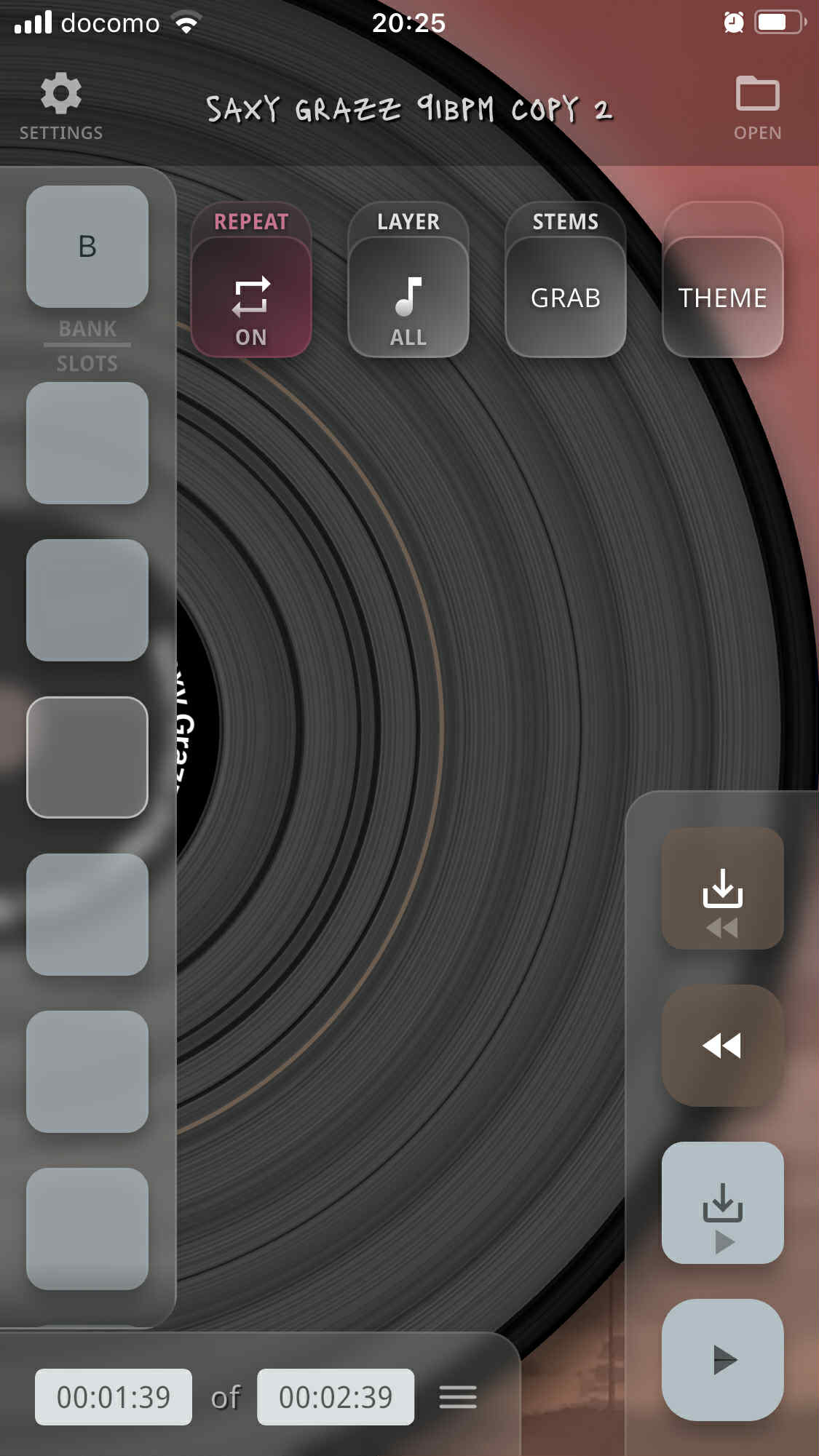
Make It Yours
Build your own theme — from dark mode to neon vibes — and drop a custom image onto the vinyl label. Use it always, or only when an album cover isn't available.
Frequently Asked Questions
What platforms is SnagTrax on?
iOS via TestFlight beta and Android via the Play Store open beta. Grab the right link from the Download page.
Do I need an account?
You can play, split and export without one. An account is needed only for a subscription, so that it follows you to every device you sign in on.
Does stem separation work offline?
No — separation runs in the cloud, so an internet connection is required. The track downloads to your device first so processing happens on a stable source, then the stems come back as separate audio files.
What can I play in SnagTrax?
Local audio and video files, shared YouTube links, and anything shared from another app. Use Vinylize to turn a folder of tracks into a digital album you can browse from your Album Crate.
What languages is SnagTrax available in?
The app is translated into English, Deutsch, Español, Français, 日本語, 한국어, Polski, Português, and 中文 — your device's system language is picked up automatically.